1
/
of
2
No reviews
Editable Paper Food Tray Template | DIY Printable Party Favor | Canva
Editable Paper Food Tray Template | DIY Printable Party Favor | Canva
Regular price
$4.99 USD
Regular price
Sale price
$4.99 USD
Unit price
/
per
Shipping calculated at checkout.
Couldn't load pickup availability
Editable Paper Food Tray Template – DIY Printable Party Favor
Make your next celebration unforgettable with our Editable Paper Food Tray Template! This DIY printable party favor is perfect for busy moms, teachers, and creative party planners who want a personalized touch for their events. Instantly edit in Canva and create custom snack trays for birthdays, classroom parties, holidays, and more.
What’s Included:
- 1 Editable Canva Food Tray Template
- Step-by-step instructions with photos
📝 How It Works:
- Add your design in Canva—drag and drop your favorite graphics, clipart, or backgrounds
- Download & print as a PDF (“Actual Size”) on 8.5x11 cardstock or glossy paper
- Cut, fold, & glue following the easy instructions
- Assemble and fill with snacks, party favors, or treats!
💡 Tip: White lines show where to fold and cut. Keep your designs inside the tray outline for best results.
Why You’ll Love It:
- Save time and money with DIY party supplies
- Instantly downloadable—start crafting right away
- Unique, personalized touch for any event
- Great for party planners, teachers, and small business owners
⚠️ Important Notes:
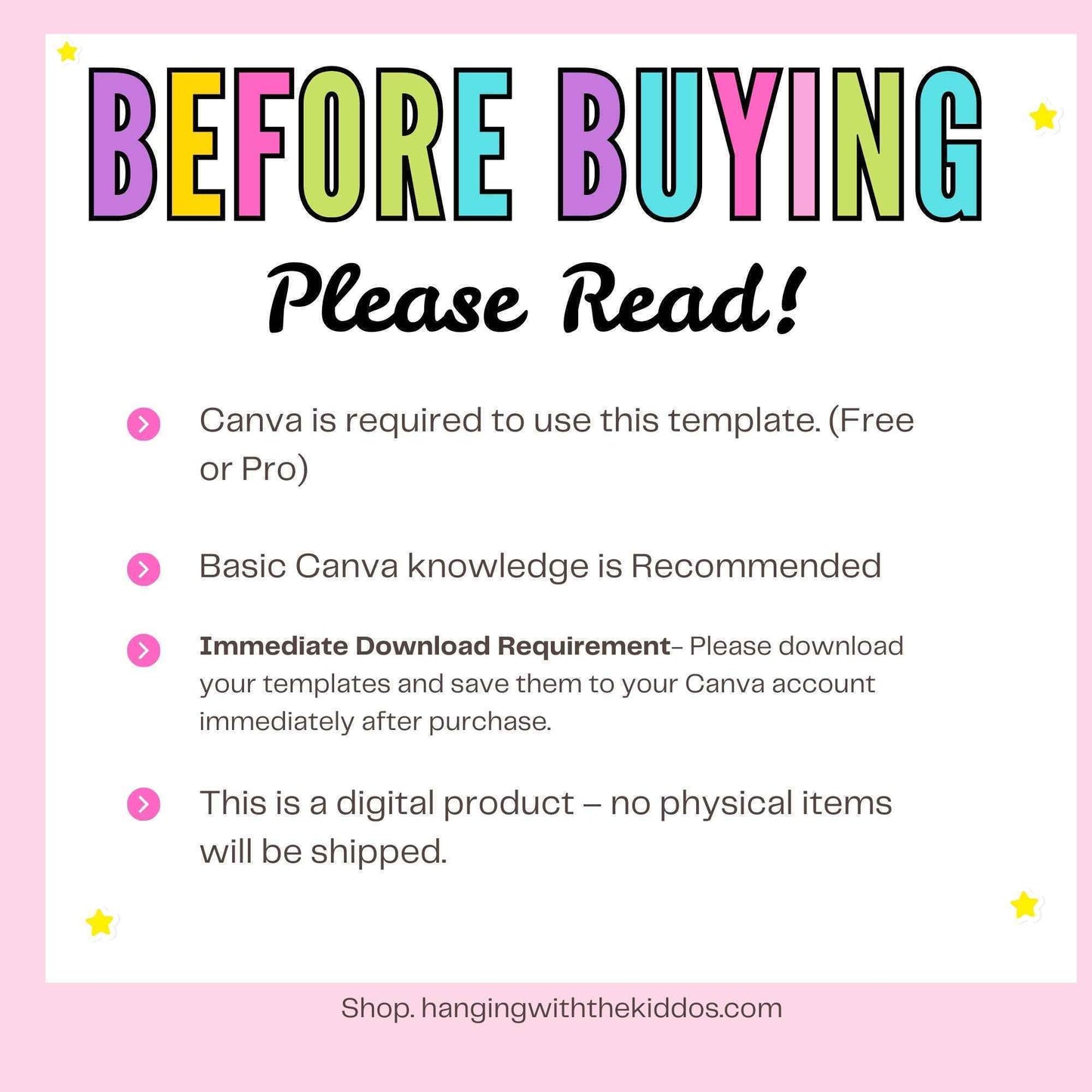
- Digital product only: No physical item will be shipped
- Requires Canva account (FREE or PRO)
- Personal or limited commercial use: You may sell finished, customized trays, but not the template itself
- Basic Canva editing skills recommended
Looking for more party favor templates?
Explore our coordinating designs at shop.hangingwiththekiddos.com.
Explore our coordinating designs at shop.hangingwiththekiddos.com.
Need help?
Watch our YouTube tutorials for step-by-step assembly tips!
Watch our YouTube tutorials for step-by-step assembly tips!
Digital Downloads
Digital Downloads
If a printable is labeled as "Editable," the text can be customized using either Canva or Adobe PDF.